

GitLab vs GitHub for Australian Businesses in 2026
 Petr Červenka
Listen to this article · 11 min
On this page 6 sections
The short version
- For most small teams, GitHub is cheaper: about US$40 a month for 10 people on Team, against US$290 for GitLab Premium.
- GitLab's edge is that you can run the whole thing yourself for free, including CI/CD, on a server you choose. That decides it when your code and build secrets must stay in Australia.
- Both now sell Australian data residency at the enterprise level. GitHub runs it from Australian Azure regions, and GitLab Dedicated lists AWS Sydney.
- Pick on three things: where your code has to live, who will run the platform, and how much of your delivery pipeline you want in one tool.
GitLab vs GitHub comes up whenever a business starts building software seriously, or takes over code from a vendor that's walking away. Both store your code in Git, both run automated builds and deployments, and both are fine products. The differences that matter to an Australian business are price, where the data sits, and who keeps the platform running. We use GitLab for our own work and set up pipelines on both for clients. This is how we advise them to choose.
What is the actual difference between GitLab and GitHub?
Git is the version-control tool that tracks every change to your code. GitHub and GitLab are services built on top of it. They host your repositories and add code review, issue tracking and CI/CD: automatic building, testing and deploying of each change.
The real split is in how they're designed:
- GitHub is the world's biggest code host and is owned by Microsoft. Its strength is its ecosystem: most open-source software lives there, nearly every developer already has an account, and its Actions marketplace has a ready-made step for almost anything.
- GitLab tries to be one application for the whole delivery process: planning, code, CI/CD, a container registry, security scanning and deployments. Its free Community Edition is open source, so you can install it on your own server.
That second point decides most of what follows.
How much do GitLab and GitHub cost for a 10-person team?
Both publish prices in US dollars per user per month. At the time of writing, from the GitHub pricing page and the GitLab pricing page:
| GitHub | GitLab | |
|---|---|---|
| Free tier | Unlimited private repos, 2,000 CI minutes a month | Up to 5 users per group, 400 CI minutes a month |
| Paid team tier | Team: US$4 per user | Premium: US$29 per user, billed annually |
| Enterprise tier | From US$21 per user | Ultimate: custom pricing |
| Run it yourself | Enterprise Server, enterprise licence only | Community Edition free; Premium features at the same per-user price |
Monthly licence cost for a 10-person team (US$, list prices, 2026)
On licences alone, GitHub wins for a small team. Two things change the sum. GitHub marks its Team and Enterprise prices as first-year offers, so check the renewal price before you budget for year two. And a self-hosted GitLab has no licence fee but needs a server, backups, upgrades and someone responsible for them. In our experience that's a few hours a month, plus a monitored Linux server.
Where is my code stored, and does it matter?
On the standard plans of both services, your code sits in overseas data centres, mostly in the United States. For most businesses that's fine. It starts to matter when:
- a government contract or panel requires data to stay in Australia;
- your repositories hold personal or health information, or real customer data in test fixtures (which they shouldn't, but often do);
- your CI/CD system holds the keys to production: database passwords, cloud credentials and deployment keys.
That last one is easy to miss. Whoever controls the build system can usually reach production. Since the supply chain attack charges laid against two WA men this year, more clients have been asking where their build secrets actually live.
Both companies now sell an Australian answer at the top end. GitHub made Enterprise Cloud with data residency in Australia generally available in February 2025, on a dedicated ghe.com subdomain. GitLab's single-tenant GitLab Dedicated lets you choose the AWS region, and its region list includes Sydney. Both are sold through their sales teams and priced for larger organisations. Read the fine print as well: residency covers your repositories and core data, but not necessarily every support ticket, billing record or AI request.
For a small or mid-sized organisation, the cheaper route is self-managed GitLab on a server in an Australian data centre or on your own hardware. You get the full platform, including CI/CD, with your data in a place you chose.
Which has better CI/CD?
Both are good enough to run a professional delivery pipeline. They feel different:
- GitHub Actions is built from reusable steps published by the community. You can get started quickly, but each third-party action is code from someone else running with access to your secrets, so pin versions and review what you use.
- GitLab CI is configured in one file per project and can pull in shared templates. We keep our standard build, test and deploy steps in one shared template project, so every new client project starts from a pipeline that already works. Staging, production and preview environments come built in.
You can also run your builds on your own machines on either platform. On GitLab that has always been normal. GitHub announced a per-minute fee for self-hosted runners in December 2025 and postponed it after pushback. It hasn't been charged since, but it's worth keeping an eye on if you plan to run many builds on your own servers.
So which should an Australian business choose?
Choose GitHub if your team is small and already lives there, you depend on open-source collaboration or the Actions marketplace, and your code has no residency requirement. It's the cheapest good option and the easiest to hire for.
Choose GitLab.com (the hosted service) if you want planning, CI/CD, a container registry and security scanning in one tool and are happy for it to be hosted overseas.
Choose self-managed GitLab if your code, pipelines or credentials need to stay in Australia, you work with government, or you'd rather own your delivery platform than rent it. Budget for running it properly: patching, backups and monitoring, not a server someone set up once and forgot.
Choose an enterprise residency plan if you're a large organisation that needs Australian residency, a vendor contract and support, and doesn't want to run servers.
We use GitLab, self-managed, because we wanted one platform for planning, pipelines and deployments that we fully control. We still use GitHub where clients or open-source projects already live, and our deployment approach works on both.
Can you move between them later?
Yes, and more easily than most people expect. Repositories, branches and history move cleanly in minutes. GitLab has a GitHub importer that also brings issues and pull requests across, and GitHub has its own import tools. The real work is the pipelines: GitLab CI and GitHub Actions use different configuration formats, so a migration means rewriting each project's build file and moving its secrets. For a typical business application that's days of work, not months. Migrations are also a good moment to clean out old credentials and steps nobody remembers adding.
If you're weighing up a move, or want a pipeline set up properly on either platform, that's part of our DevOps consulting. We can also run self-managed GitLab on Australian infrastructure as part of managed Linux infrastructure.
Photo credits. All images used under the Unsplash License, free for commercial use, attribution appreciated:
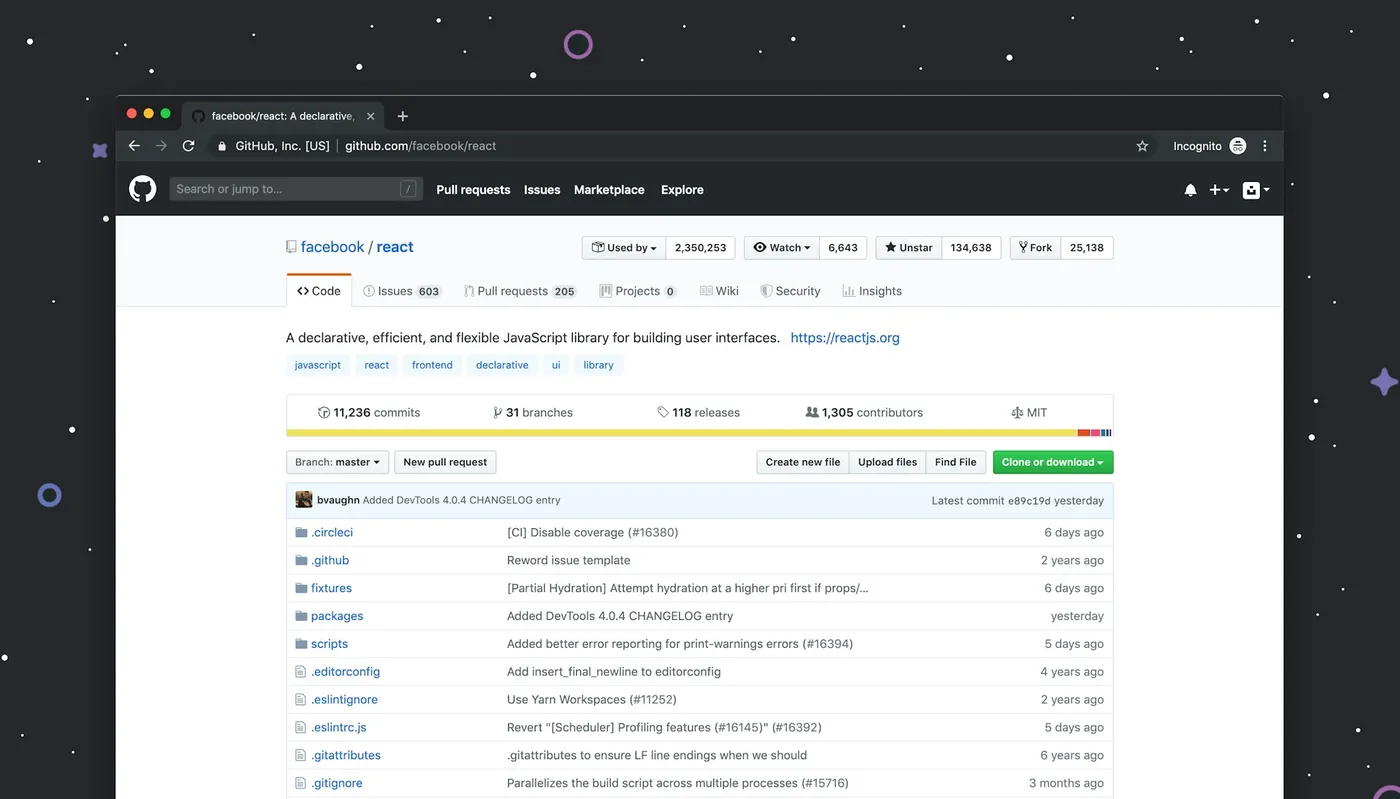
- GitHub on a desktop screen — Luke Chesser
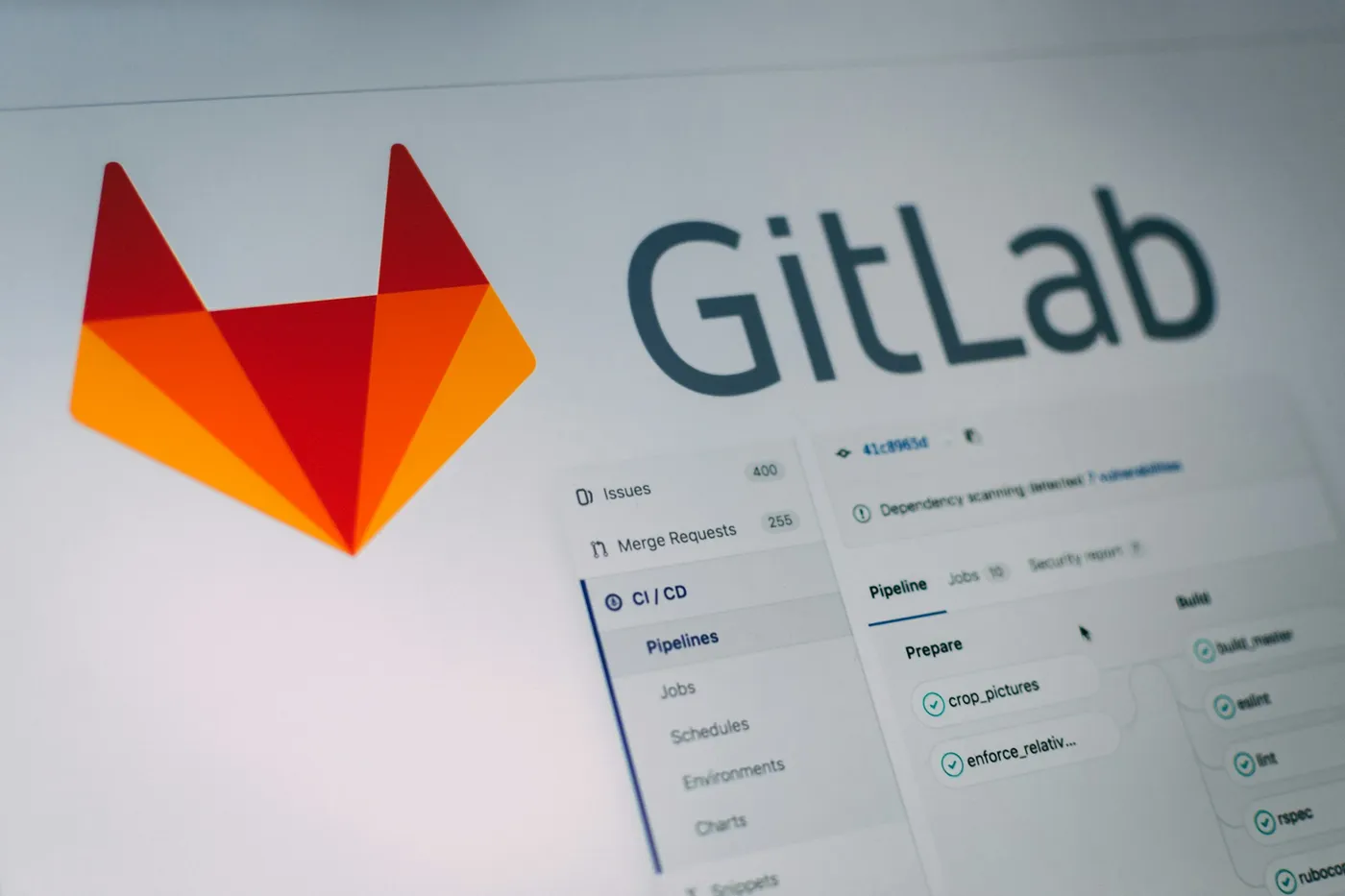
- GitLab pipeline interface — Pankaj Patel
Was this useful?
Thanks — noted.
Share
Petr Červenka
Petr is the founder and lead developer at Nano Solutions, a Perth-based custom software firm. With over a decade of experience building enterprise platforms for government and private sector clients, he leads delivery of complex projects across Australia.
Connect on LinkedIn