

Fintech Cloud Costs: How to Cut the Bill Without Breaking CPS 230
 Petr Červenka
Listen to this article · 9 min

On this page 6 sections
The short version
- Organisations estimate that 29% of what they spend on cloud infrastructure is wasted, according to Flexera's 2026 State of the Cloud survey.
- Fintechs carry extra weight: regulated clients expect resilience, so everything gets built "just in case", including test environments nobody uses at night.
- Most of the savings come from things regulators don't care about: idle test systems, oversized servers, old storage and on-demand pricing.
- What you shouldn't touch: anything that keeps a critical operation running or lets you report an incident. CPS 230 and CPS 234 make those your obligations, not optional extras.
A fintech's cloud bill tends to grow faster than its revenue. Every new client brings a security questionnaire, every questionnaire adds another environment, another backup copy, another monitoring tool, and nobody goes back to switch the old ones off. Then someone in finance asks why the AWS invoice has doubled in a year.
You can usually cut it a lot. The trick is to know which spending is waste and which spending is what keeps you compliant. This post covers where the money goes, what APRA's rules mean for what you can cut, and what a cloud cost review looks like in practice.
Why are fintech cloud bills so high?
In Flexera's 2026 survey of 753 cloud decision-makers, organisations estimated that 29% of their cloud infrastructure spend is wasted, the first rise in five years. It's a self-reported figure across all industries. In fintech, the same few causes come up again and again:
- Non-production running all the time. Development, test, UAT and demo environments run 24/7, often as full copies of production, including the expensive database.
- Sized for launch day, never resized. Servers and databases were picked for a peak that came once, or never.
- Resilience applied everywhere. Multi-zone databases and standby copies make sense for production. In a test environment they double the cost and protect nothing.
- Logs and backups kept forever on expensive storage. Retention requirements are real, but seven-year-old logs don't need to sit on the fastest disks.
- On-demand prices for steady workloads. Paying by the hour for servers that have run every hour for two years.
- Network charges nobody looked at. Traffic through NAT gateways, between zones and out to the internet is billed per gigabyte, and in a chatty microservice setup it adds up quietly.
- Leftovers. Snapshots of servers deleted years ago, unattached disks, idle load balancers, forgotten test accounts.
None of this is negligence. It's what happens when a small team is busy shipping product and passing due-diligence reviews.
Does CPS 230 limit what a fintech can cut?
It limits what you cut, not whether you cut. Two APRA standards matter here.
CPS 230 Operational Risk Management commenced on 1 July 2025, with an updated version commencing on 1 July 2026. It requires APRA-regulated entities (banks, insurers and super funds) to identify their critical operations, set tolerance levels for how long and how badly each can be disrupted, and manage the risk from their material service providers.
CPS 234 Information Security has been in force since 2019. It requires those entities to protect their information assets, test their controls, and tell APRA about material security incidents within 72 hours of becoming aware of them.
Most fintechs are not APRA-regulated themselves. But if your platform supports a bank's or insurer's critical operation, you may be one of their material service providers. Their CPS 230 obligations then turn up in your contract as uptime commitments, recovery-time targets, audit rights and incident reporting.
So in a cost review, keep these off the table:
- High availability and disaster recovery for anything that supports a client's critical operation.
- Backups and restore testing that prove you can meet your recovery commitments.
- The logs and alerts you'd need to find, scope and report an incident inside 72 hours.
- Security controls you've told clients about in due-diligence answers. Cutting a control you've promised is a contract problem, not a saving.
Everything else is fair game, and most of the waste listed above sits there.
Where do the savings come from?
| Change | What it saves | Compliance risk |
|---|---|---|
| Switch non-production off outside working hours | About 64% of those environments' compute hours (see below) | Low: no client depends on them |
| Right-size servers and databases | Depends on how oversized they are; often a size or two down | Low, if you load-test first |
| Commit to steady usage with Savings Plans or reserved instances | Up to 72% off on-demand prices, per AWS | Low, but you're locked in for one or three years |
| Move to Graviton (ARM) instances | Up to 40% better price-performance, per AWS | Medium: test your stack on ARM first |
| Move EBS disks from gp2 to gp3 | 20% lower price per GB | Low: changes without downtime |
| Move old logs and backups to archive storage | A large cut in storage cost for the archived data | Low, if retention periods still hold and restores are tested |
| Delete leftovers: old snapshots, unattached disks, idle IPs and load balancers | Whatever they cost today, all of it | Low, once each one is checked |
| Take high availability out of non-production | Roughly halves those environments' database cost | Low: production keeps it |
The AWS figures are vendor maximums, not promises. Azure and Google Cloud have direct equivalents for nearly every row.
The first row usually saves the most money for the least effort. Most teams work about 12 hours a day, 5 days a week. An environment that only runs then is up for 60 of the week's 168 hours:
Hours a week a test environment is running
Storage still costs money while an environment is off, so the real saving is a bit lower. It's still often the largest single item in the review.
What does a fintech cloud cost review involve?
Ours takes about a week and runs in four steps:
- Read access only. We look at the billing data, cost and usage reports, and resource inventory, using read-only access. Nothing gets changed in week one.
- Map spend to what matters. Every significant cost line is tagged as production-critical, production-supporting, or non-production. If you have a CPS 230 critical-operations list, or a client's version of one, we use it here.
- Rank the savings. Each saving gets an estimated dollar value, the effort to make it, and its compliance risk, so you can take the safe, large ones first.
- Write it down. You get a short report: what to change, in what order, what it saves, and what we deliberately left alone and why. That last part is the bit your risk committee and your bank clients will want to read.
From there, your team can make the changes, or we can make them and keep the bill in check month to month as part of managed cloud services.
How do you stop the bill creeping back up?
Savings fade if nobody watches them. The habits that keep them in place are simple:
- Tag everything with an owner and environment, so every dollar has a name next to it.
- Set budget alerts per environment, so a forgotten test cluster shows up in days, not at the end of the quarter.
- Build environments from code (Terraform, Ansible or similar), so a switched-off environment can be recreated in minutes and nobody is scared to delete things. We cover this in our DevOps consulting.
- Review the bill monthly, with someone who understands both the invoice and the architecture.
This is the core of what the FinOps community calls FinOps: engineers and finance looking at the same numbers regularly.
Where to start
If your cloud bill has grown faster than your client list, a review usually pays for itself in the first month or two of savings. Ours costs around $2,500 for a one-week review and ends with a written, prioritised plan. Start with cloud performance and cost optimisation. If the compliance side is the bigger worry, see cloud compliance.
This article is general information, not legal or compliance advice. Check your own obligations under CPS 230 and CPS 234, and your contracts with regulated clients, with your compliance adviser.
Photo credits. All images used under the Unsplash License, free for commercial use, attribution appreciated:
- Card payment at a terminal — Towfiqu barbhuiya
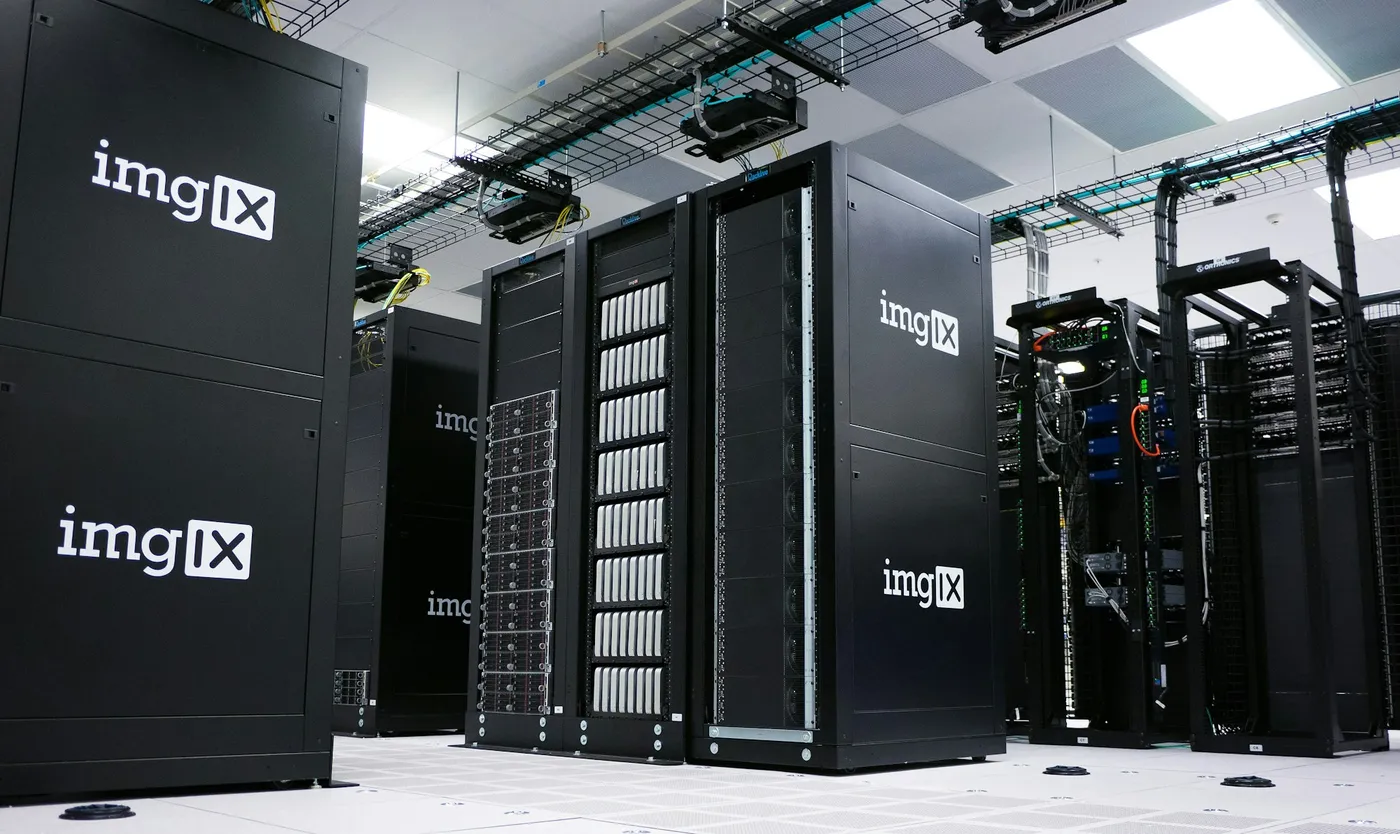
- Server racks in a data centre — imgix
Was this useful?
Thanks — noted.
Share
Petr Červenka
Petr is the founder and lead developer at Nano Solutions, a Perth-based custom software firm. With over a decade of experience building enterprise platforms for government and private sector clients, he leads delivery of complex projects across Australia.
Connect on LinkedIn